Free calculator · results appear when you calculate
Automation Business Case Calculator
For operations and finance leads weighing whether to automate one repeated task. Enter your own figures; the calculator works month by month, shows a worst-to-best range and lists what it leaves out.
Built by XONIK. The figures you enter stay in your browser.
In brief
This calculator builds a business case for automating one repeated task. You enter the work today, what automation changes, what it costs and how long it takes to come into use. It works month by month with a gradual ramp, then returns net benefit, the payback month, a worst-to-best range and what moves the result most.
Step 1 of 6: Work today
0 of 12 figures entered
- Work today (current step)
- What automation changes (not yet reached)
- Cost (not yet reached)
- Time (not yet reached)
- Scenario spread (not yet reached)
- Check (not yet reached)
Please correct the highlighted fields.
Work today
Example figures only. They are not a benchmark and not an average of anything. Replace them with your own.
What automation changes
Cost
Time
Scenario spread
Check your figures
Read the figures back before the case is worked out. Change any of them from here.
Your result
Want to talk through what this means for your organization?
Discuss the business case with usOn this page
The question this calculator answers, and the one it cannot
The calculator answers one question. If this repeated task is automated, on the figures you believe today, does the saving cover the cost, and in which month? It does not tell you whether to automate. It tells you whether the arithmetic supports the decision you are leaning toward, and which of your own assumptions that support rests on.
Automation cases tend to fail in the spreadsheet before they fail in production. The saving is booked from the first month, saved minutes are treated as cash, and the build ends on the planned day. The calculator removes each habit.
Who gathers the figures, and how long a sitting takes
Entering the figures takes about as long as a coffee once you have them. Getting them is the real work, and it is shared. The operations lead who owns the task knows how often it runs and how long a run takes, checking included. The finance partner holds the loaded cost of an hour and decides what counts as released. Whoever scoped the build owns the one-off cost, the running cost and the go-live date.
A first pass alone is fine, to see whether the case deserves anyone else's afternoon. A result you will put in front of a finance committee should be run with those people, each owning the lines they know.
What is counted, and what is left out
Each month, the benefit is the number of runs, times the minutes in a run, times the share the automation does alone, times the share you count as money, times the cost of an hour, times that month's level of use. The one-off cost lands at the start. The running cost is paid from the go-live month, whether or not the benefit has caught up.
Left out are errors avoided, faster turnaround, better service, lower risk, inflation, discounting, tax and financing. Left out too are exceptions that return to people beyond the share you entered, and time lost while the system is repaired. Volume, minutes and costs stay level, so a growing task pays back sooner than shown and a shrinking one later.
Why does the ramp move the payback month?
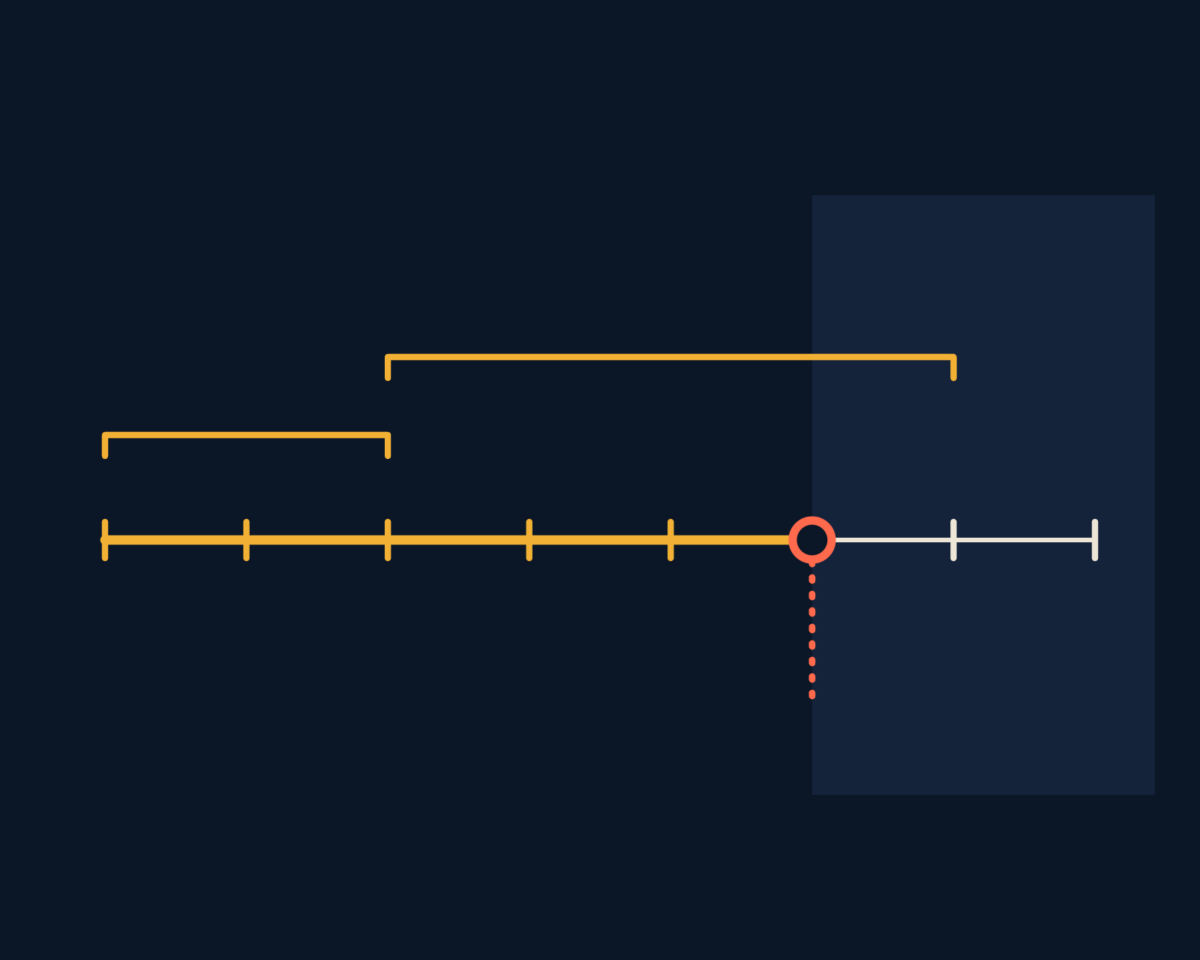
People rarely switch on the day a system goes live. Some run both routes for a while, and some wait for the first fault before they trust it. The calculator reads this as a ramp: use rises in equal steps from the go-live month, while the running cost is paid from the first live month. A ramp costs twice, because the benefit arrives later and the spending starts early. Enter the ramp you would plan for if the sponsor were not watching.
Why does the worst case move volume and cost together?
Projects that miss on benefit rarely miss alone. A smaller volume often means the task was less uniform than assumed, and a less uniform task takes more build and more upkeep, so the worst case lowers volume and raises both costs in the same pass. The best case raises volume only, since a project that runs ahead seldom gets cheaper to build. Both spreads are your own judgment. A wide one says the inputs are soft, and the response is to firm them up.
Reading net benefit, the payback month and the range
Read net benefit with the payback month, which counts from the start of the project and so includes the build. If the cost is not earned back inside the months counted, the result says so in words and does not stretch the period. Then read the range. If the worst case is still positive, the case does not hang on your optimism. If only the expected case is positive, talk about what would make the worst case less likely. The sensitivity table shows which input shifts net benefit most. That input is where the next conversation belongs.
What to do the day after you calculate
- 01
Take the shakiest input to its owner
The row of the sensitivity table you trust least goes to the person who owns that figure, with a request for evidence from real work.
- 02
Ask finance which spending it releases
Name the hire, the overtime or the outside invoice that falls away. If none can be named, lower the share counted as money and run the case again.
- 03
Open the meeting with the worst case
The sponsor then decides against the downside and not against the hope.
- 04
Write down what was decided
Going ahead, narrowing the scope and leaving the task alone are all outcomes. Record the figures and the date, so the next run can be compared with this one.
When this calculator fits, and when it does not
It fits when
- One repeated task has a volume and a duration you can count today
- The case rests mainly on time released from people
- You need a defensible first view before anyone commissions a design
Look elsewhere when
- The value is mostly better decisions, lower risk or new revenue
- Several tasks are bundled into one project; run each on its own
- You are still deciding whether to build, buy or use an agent
The calculator gives up breadth for clarity. A marginal case here may still be right for reasons it cannot see, and a strong case here still has to survive the questions of risk and ownership.
What do people ask before using the automation business case calculator?
Does the calculator tell me whether to automate the task?
No. It tells you whether the arithmetic supports the decision you are leaning toward. On the figures you believe today, it shows whether the saving covers the cost and in which month, and which of your own assumptions that result rests on most.
Why does it ask what share of saved time counts as real money?
Because capacity is not cash. A person who spends less time on a task has not become cheaper. Hours turn into money when a hire is not made, overtime or outside help stops, or the person moves to work you can value. Enter a small share if you cannot.
What does the worst-to-best range tell me?
It shows whether the case depends on optimism. The worst case lowers volume and raises both costs together, and the best case raises volume only. If the worst case is still positive, the case holds. Both spreads are your own judgment, so a wide range says the inputs are soft.
What does the calculator leave out of a business case?
It leaves out errors avoided, faster turnaround, better service, lower risk, inflation, discounting, tax and financing, and it holds volume and costs level. So it suits a case resting mainly on time released from people, not one that rests on better decisions, lower risk or new revenue.
Related
Want a second reader for your business case?
Describe what you are weighing in a few lines. A senior practitioner replies with a suggested first conversation.